Solutions / Cloud Duplicate Finder

Cloud Duplicate Finder The Future of Cloud Organization Is Here

Introducing the First-Ever Cloud Duplicate Finder: A Pioneer in Cloud Deduplication.

Cloud Duplicate Finder

Say goodbye to cluttered cloud drives. Cloud Duplicate Finder (CDF) is the world’s first fully online tool designed to scan, detect, and remove duplicate files across all major cloud services fast, securely, and with zero downloads.

Powerful Tools for Effortless Cloud Cleanup

Advanced features designed to optimize your cloud storage safely and efficiently.

Lightning-Fast Scan

Scan your cloud drives in record time and detect duplicates instantly.

Precision Cleanup

Remove exact and near-duplicate files with surgical accuracy.

Smart Filters

Filter files by type, size, or similarity for a precise cleanup.

Multi-Cloud Support

Manage Google Drive, OneDrive, Dropbox, Box, and Amazon S3 from a single dashboard.

Safe Deletion

Delete duplicates confidently with undo options and secure file recovery.

Trusted by Thousands Worldwide

Join a global community of users who rely on Clone Files Checker.

In-Depth Look at Cloud Duplicate Finder

Everything you need to know about the software.

Introduction

Cloud Duplicate Finder (CDF) is the world’s first fully online cloud deduplication tool. It helps you scan, detect, and remove duplicate files from all major cloud platforms—quickly, securely, and without installing anything. Whether you're organizing work files or decluttering personal storage, CDF simplifies cloud management in just a few clicks.

Too Many Files? Let’s Fix That

Your cloud is supposed to make life easier. So why does it feel like a digital junk drawer of a hoarder?

Cloud Duplicate Finder (CDF) helps you clean it up quickly, securely, and 100% online, with no hassle. No installations, just a smarter, faster way to get organized.

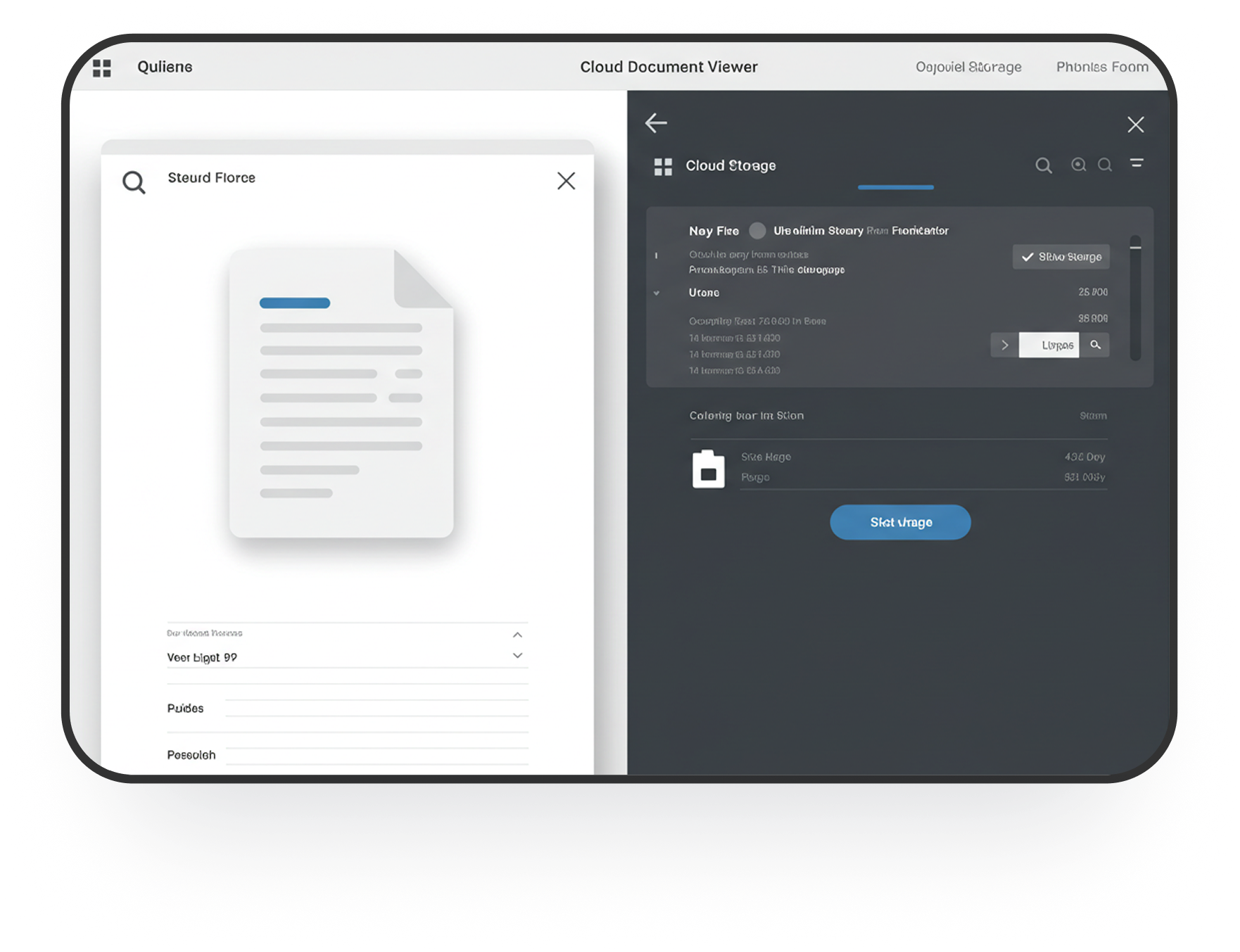
File Selection Interface

Here’s How Easy It Is:

Your cloud is supposed to make life easier. So why does it feel like a digital junk drawer of a hoarder?

1. Pick Your Cloud
Log in and connect your cloud storage. One account, all clouds—easy.

2. Quick Setup
Link your cloud drive with just a few clicks. We never store passwords or touch your files.

3. Choose Your Scan Type
Want a deep clean? Or just looking for duplicates of certain file types? You can scan everything, or just target photos, videos, music, documents, or even visually similar images.
Pro-tip: Our Similar Photo Scan doesn’t just find copies—it catches near-duplicates too.

4. Review and Decide
Once your scan is done, you’re in control. You can:
• Delete duplicates
• Move them to a folder (except on Amazon S3 & Box)

5. Made a Mistake? No Problem
Restore deleted files from the Trash (except on Google Drive and Amazon S3). It’s like an “undo” button for your cloud.

Why You’ll Love CDF

Why You’ll Love CDF
So whether you're a remote worker, a small business, or someone who just loves a neat cloud, this tool is made for you to fit perfectly in your busy routine.

Key Benefits:
• Cut the clutter
• Save time
• Lower your cloud costs
• Find things faster
• Never worry about duplicates again

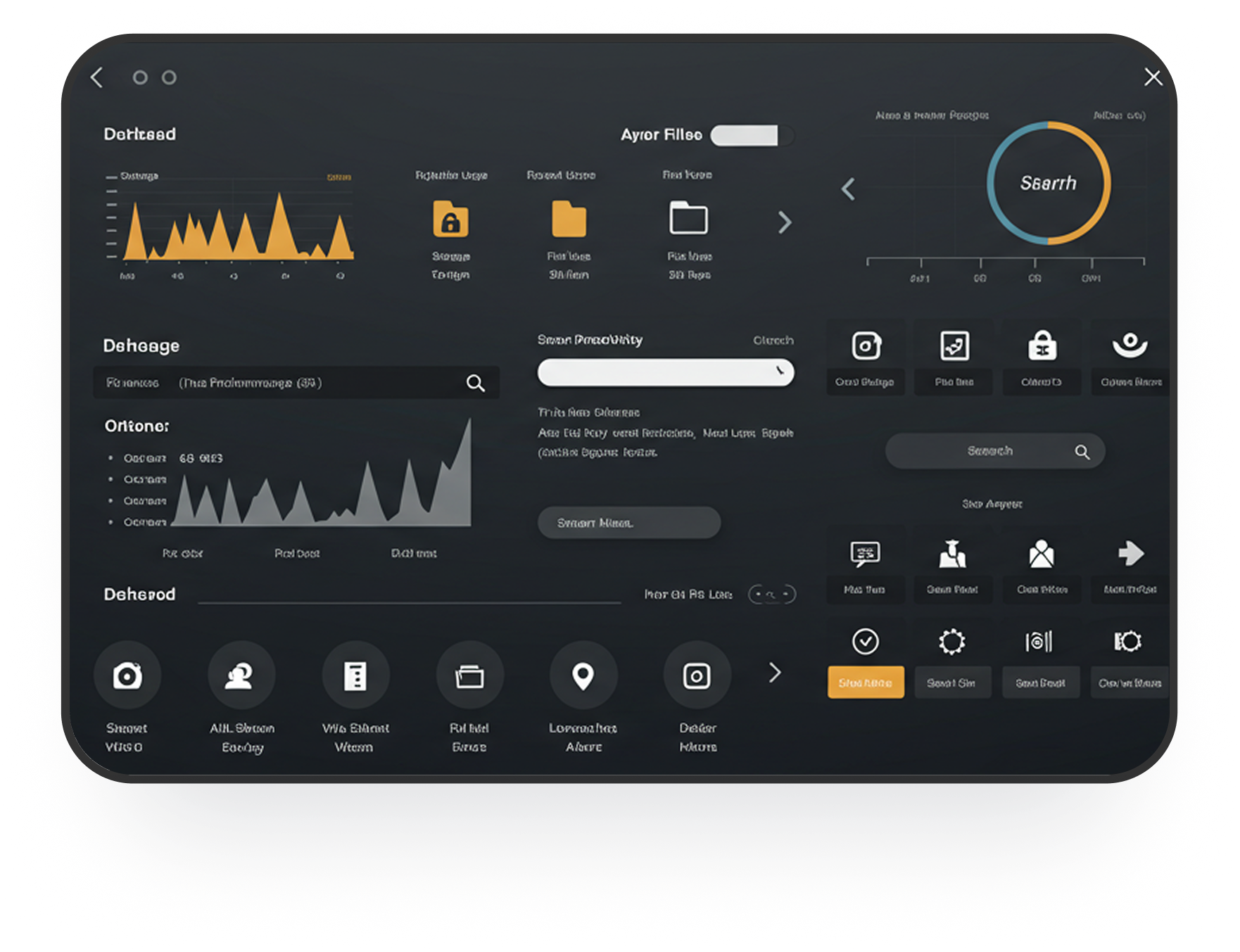
File Type Filter Interface

One Account. Total Control.

Scan multiple clouds from a single dashboard. No more jumping between tabs and tools. Everything’s in one place, just the way it should be.

Duplicate Results Preview

Your Privacy = Our Priority

We use 256-bit encryption to protect your data, and we never store your files or passwords. We believe trust is everything, and so we’re verified by the App Defense Alliance.

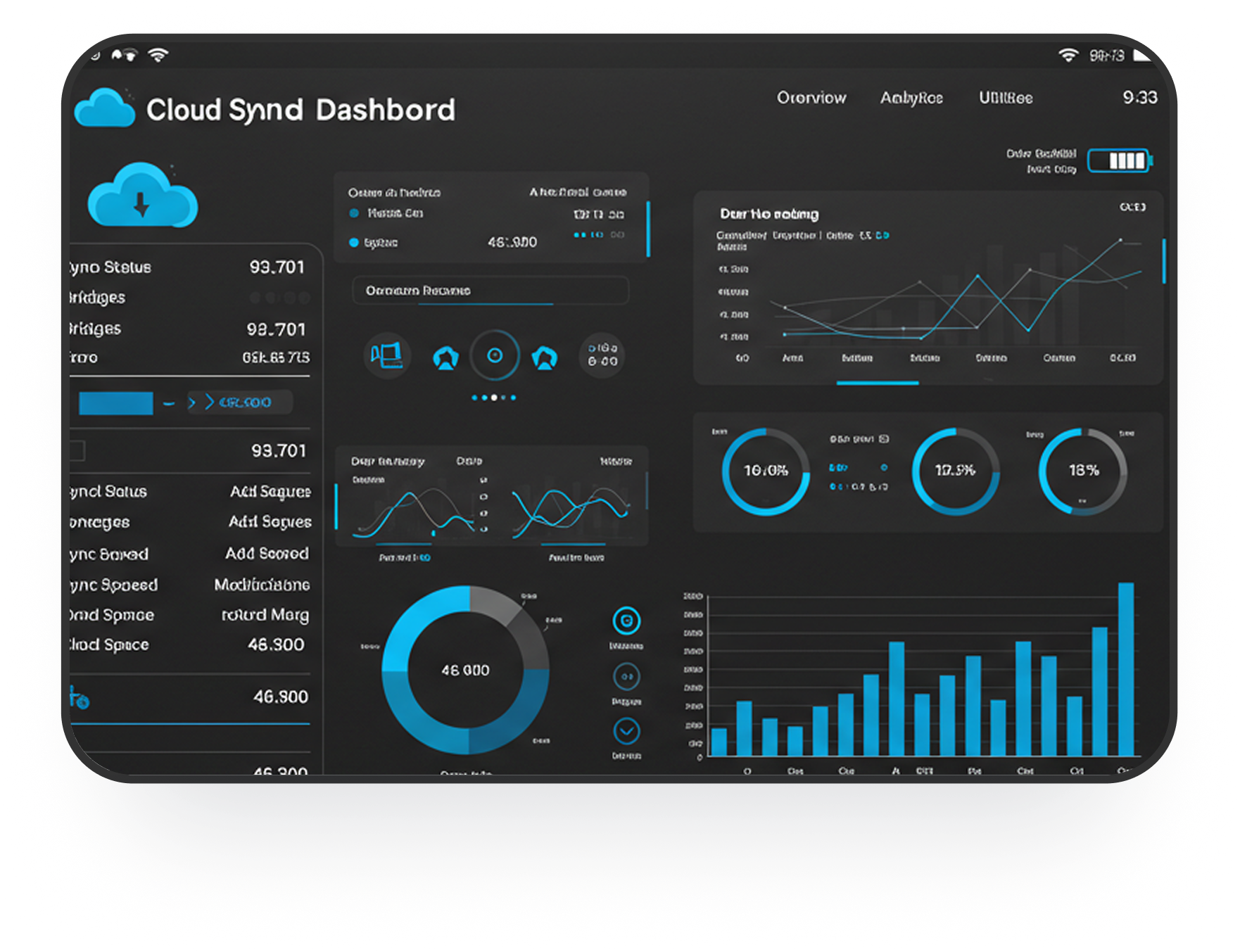
Backup & Safety Features

Let the Cloud Clean Itself.

You have better things to do than search for file duplicates. With CDF, you can sit back, perhaps grab a coffee as you scroll your feed as CDF works its charm. Let us handle the cleanup. It’s fast, secure, and ridiculously easy.

Media Recognition

Got Questions? We've Got Answers.

Everything you need to know about Cloud Duplicate Finder before you start cleaning your cloud storage.

Is Cloud Duplicate Finder safe to use?

Yes! CDF ensures your important files are preserved while removing only duplicates. All operations are secure, with 256-bit encryption and no storage of passwords or files on our servers.

Which cloud services does CDF support?

Cloud Duplicate Finder supports Google Drive, OneDrive, Dropbox, Box, and Amazon S3. You can manage multiple clouds from a single dashboard for a complete cleanup.

Can I preview and choose which duplicates to delete?

Absolutely! You can review duplicates with full details like file type, size, and location before deleting. This ensures you never remove important files by mistake.

Does CDF offer undo or recovery options?

Yes! Deleted files can be restored from a secure backup folder (except for certain cloud limitations). Think of it as an “undo” button for your cloud cleanup.

Can I filter which files to scan?

Yes, CDF lets you scan by file type, size, or even visually similar images, allowing a precise and targeted cleanup for photos, videos, music, and documents.

Is there a free version of Cloud Duplicate Finder?

Yes! CDF offers a free version with basic duplicate detection. For advanced features like multi-cloud support, advanced filters, and priority support, you can upgrade to the premium version.

Still have more questions?

Contact our help center

Ready to Optimize Your Storage?

Download Clone Files Checker today and experience efficient file management.